OpenAI's gpt-image-2 — the model that took Image Arena's #1 spot by a 242-point lead at launch — is now wired into the elserip studio. Native 2K, sharp text, multi-image consistency, and a thinking mode that plans before it draws.
gpt-image-2 — OpenAI's first image model with native reasoning baked into the architecture — is now live in the elserip studio. Same account, same prompt box, just a new option in the model picker. It shipped from OpenAI on April 21, 2026, hit #1 on the Image Arena leaderboard within twelve hours by a +242 Elo margin (a record gap), and is now plugged into the elserip pipeline alongside our existing 30 style presets and 200+ IP roster.
If you've been frustrated by garbled signs, malformed UI text, or characters that drift between renders in a batch, this is the model you've been waiting for. Open the studio and pick `gpt-image-2` from the model dropdown.
01 · What gpt-image-2 Actually Is
gpt-image-2 is OpenAI's successor to gpt-image-1. The underlying architecture is undisclosed, but the headline addition is clear: the model now thinks before it paints. Before pushing pixels, it plans the composition, validates the layout, and (in thinking mode) can run lightweight web lookups for reference. OpenAI's framing in the launch post calls it the first agentic image model — meaning the same render call can plan, fetch, generate, and self-check inside a single request.
In practice, three things are different from the previous generation:
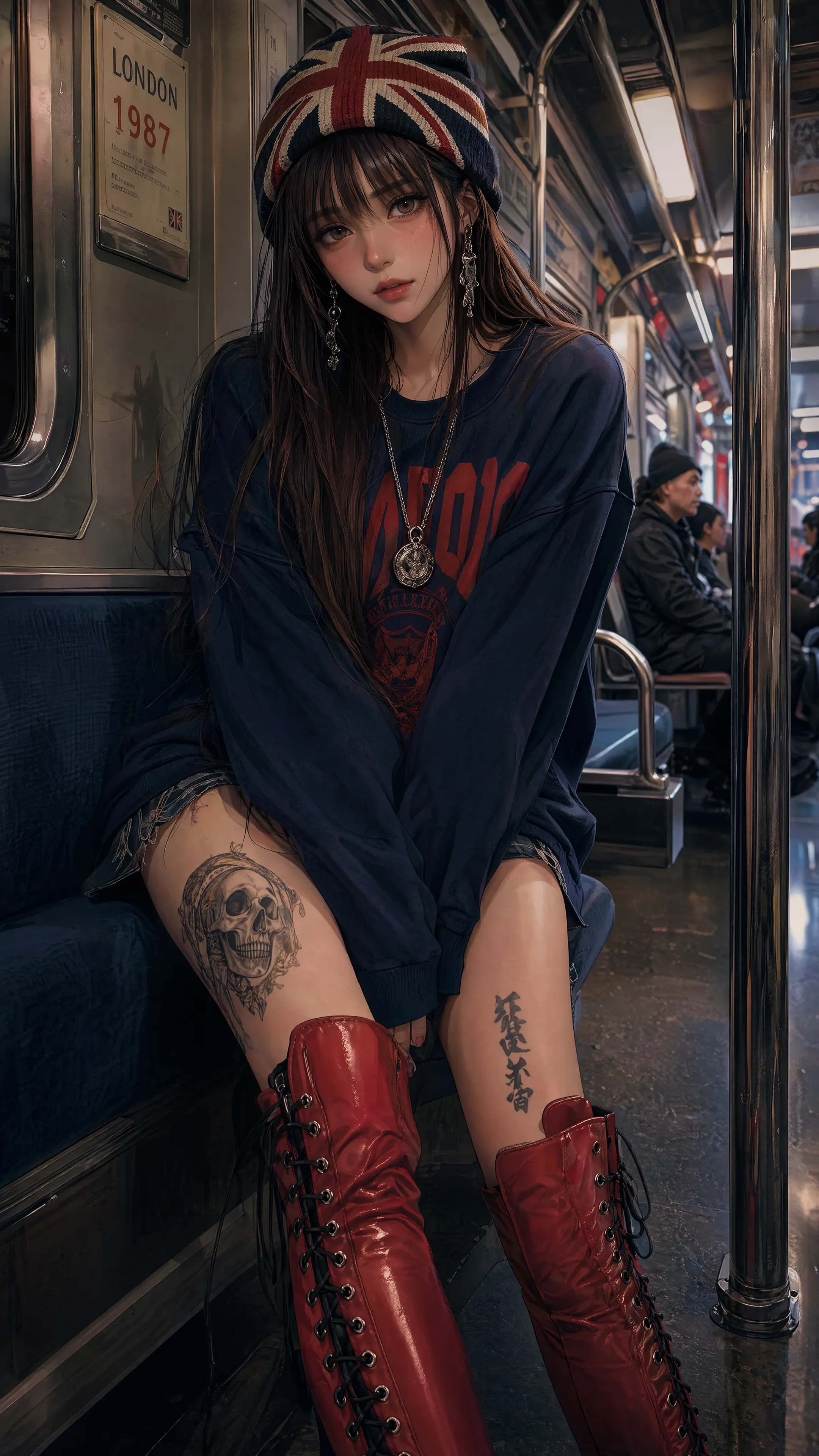
- Text rendering that actually works. Menus, posters, UI screens, manga panels with dialogue — the model puts legible characters in the right place. Non-Latin scripts (Japanese, Korean, Hindi, Bengali) render at near-parity with English.
- Multi-image consistency. A single call can return up to 8 coherent images that hold the same character, outfit, and palette. Comic panels and storyboard sheets stop drifting halfway through.
- Thinking mode. The model can be invoked in a slower, reasoning-heavy mode for complex compositions — infographics with real-looking data, multi-panel campaigns, branded asset sets. You trade latency for layout accuracy.
02 · Why It Matters for Fan-Art Creators
Most of the slow points in a fan-art workflow are not about "can the model draw a pretty picture." They're about everything around the picture: getting the same character in three poses, getting the title card to read Domain Expansion instead of `D0m4iN Eepansoin`, getting a four-panel sequence to hold the outfit for all four panels. gpt-image-2 attacks all three.
Here's where the speed-up actually shows up in a session:
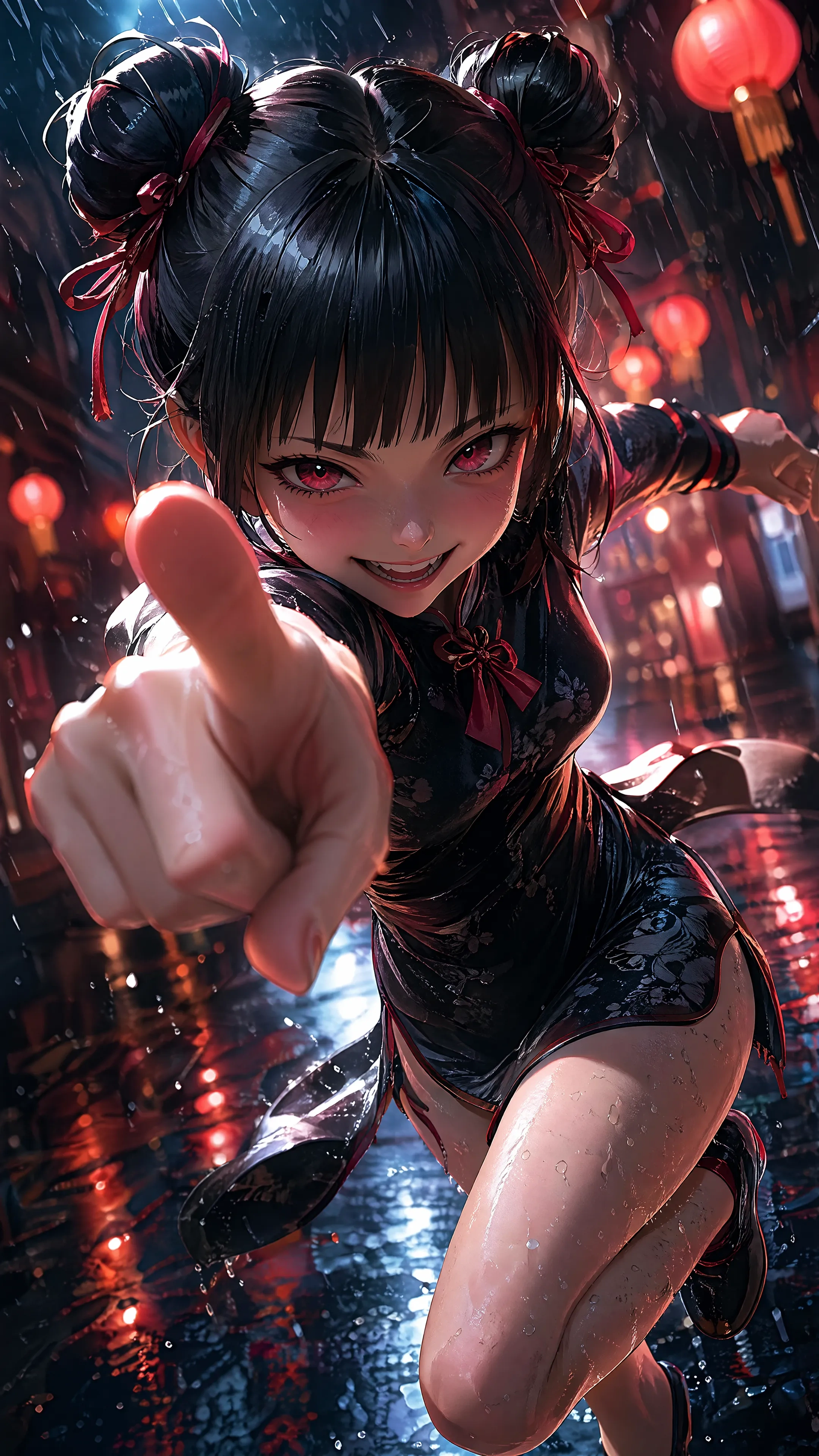
- Comic panels. The 4-panel layout you reach for in comic mode used to need a separate consistency LoRA pass. With gpt-image-2 you ask for four panels, you get four panels of the same character.
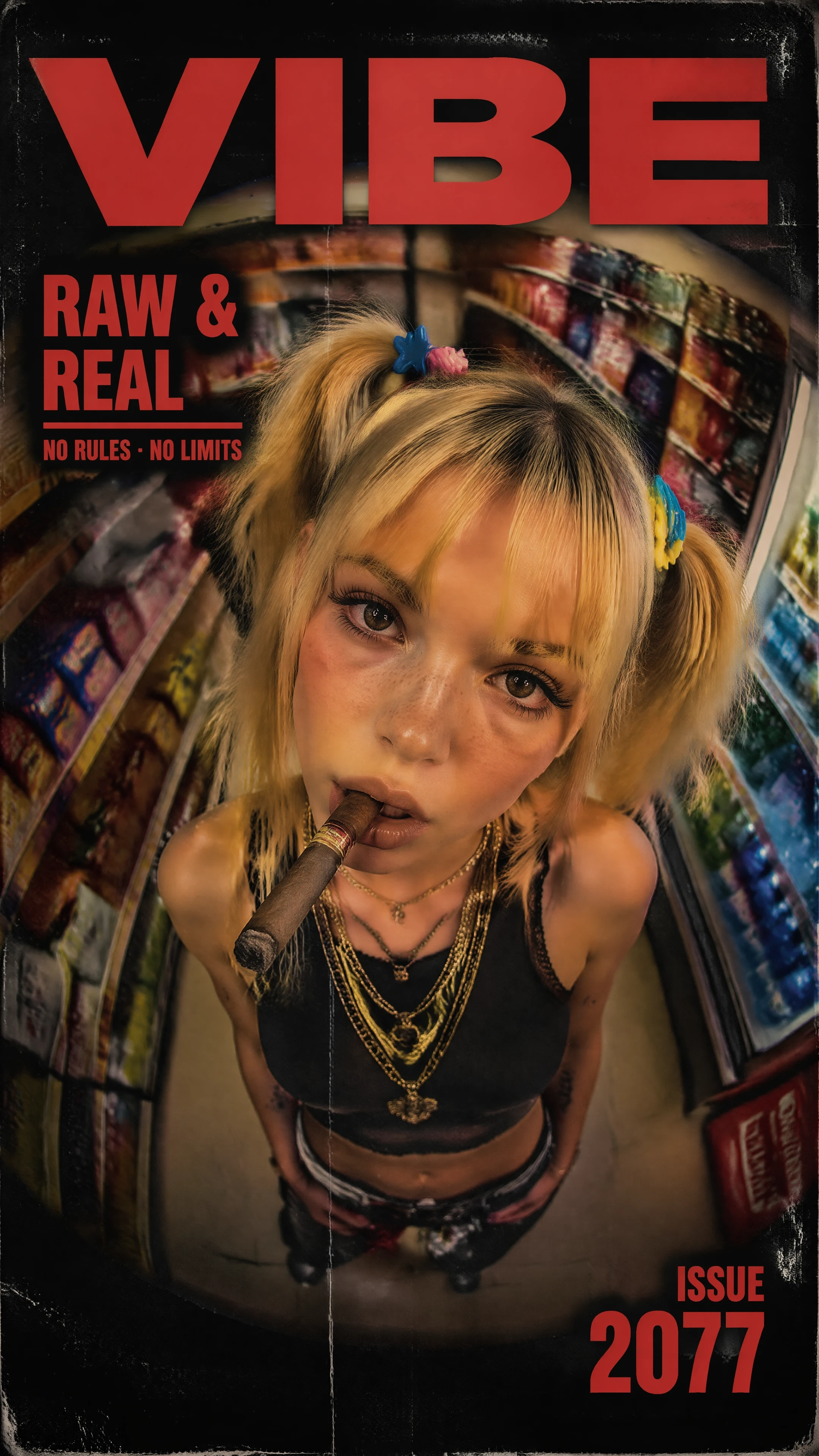
- Title cards and posters. Type a prompt that includes `the poster reads "…"` and the headline lands without manual photoshop. Useful for covers, episode title cards, and the print-grade poster preset on /fan-art.
- UI mockups. Genshin Impact and Honkai: Star Rail prompts that ask for in-world UI panels — health bars, damage numbers, ability tooltips — finally produce numerals you can read.
- Multilingual dialogue bubbles. Japanese, Korean, and Chinese characters in speech bubbles render correctly, not as approximation glyphs. Big deal for Demon Slayer and Jujutsu Kaisen panel art.
03 · How It Compares
OpenAI's launch claim is that gpt-image-2 hit a 1,512 Elo on the Image Arena Text-to-Image leaderboard — a +242 lead over the previous #1, the largest gap ever recorded on that board. That's the public number. In the studio, the contrast against the prior generation is most visible on three workloads.
| Workload | Prior gen (gpt-image-1 / DALL·E 3) | gpt-image-2 |
|---|---|---|
| Restaurant menu w/ readable text | Garbled ("enchuita", "burrto") | Print-ready, prices and items legible |
| 4-panel comic, same OC across panels | Drift on outfit + face by panel 3 | Holds for full sequence |
| 1024×1024 → 2K upscale | External upscaler required | Native up to 2560×1440 |
| Japanese / Korean text in scene | Glyph-shaped artefacts | Correct characters at typical sizes |
| Aspect-ratio range | 1:1, 16:9, 9:16 | 3:1 ultra-wide to 1:3 ultra-tall |
What the model is not stronger at, in our integration testing: brand-new logo accuracy (still inconsistent — multiple iterations may be needed), and post-2025 trivia (knowledge cutoff is December 2025, so any IP that shipped after that won't be recognised by name). For 2026 IPs, lean on visual description rather than character names until the cutoff catches up.
04 · How to Use It on elserip
There's no separate page. gpt-image-2 sits next to the existing models in the studio's model picker. The plumbing is the same; the routing is what changed. Recommended starting workflow:
- Pick a model. Open the studio, open the model dropdown, choose `gpt-image-2`. The first time you do this, the studio caches the routing config so subsequent prompts skip the picker overhead.
- Pick a quality tier. Low for sketches and iteration, medium for finished pieces, high (or thinking mode) for hero assets, posters, or anything with significant text. Higher tiers cost more credits per render.
- Write the prompt. Treat it like a brief, not a tag soup. The model rewards complete sentences over comma-separated keyword lists.
- Run a 4-image batch. Multi-image consistency is the model's biggest leap forward. Generate four at a time and you get a coherent set instead of four solo shots.
05 · Prompt Patterns That Land
From the integration runs against gpt-image-2, three scaffolds consistently outperform free-form prompts. They mirror how the model's planner reasons internally — explicit roles, explicit constraints, explicit consistency cues.
prompt01// PATTERN 1 — single hero image with text02[SUBJECT] <character>, <pose>, <signature outfit>03[SCENE] <environment>, <time of day>, <key prop>04[STYLE] <preset name from elserip library>05[TEXT] the poster / sign / title reads "<exact words>"06[FORMAT] 1792x1024, high quality0708// PATTERN 2 — multi-image consistent batch09[SUBJECT] <character description, fixed across batch>10[VARIANTS] 4 images: 1) wide shot, 2) close-up, 3) action, 4) reaction11[CONSTANTS] same outfit, same hair colour, same lighting key12[STYLE] <preset>1314// PATTERN 3 — thinking-mode poster / infographic15[GOAL] design a tournament bracket poster for <event>16[DATA] 8 fighters, single elimination, 3 rounds17[LAYOUT] title at top, bracket centred, sponsor row at bottom18[COPY] headline "<text>", round labels Round 1 / Round 2 / Final19[STYLE] <preset>, print-ready, 2KTwo anti-patterns to avoid: stacking conflicting style modifiers (`watercolour cel-shaded photoreal`), and writing prompts longer than ~400 words. The reasoning step starts spending tokens on disambiguation instead of composition, and the output gets blurrier the more you push it. The model rewards constraint, not volume.
06 · Pricing and Availability
OpenAI's per-token API pricing is $5 / $10 per million tokens for text in / out, $8 / $30 for image in / out (cached input drops to $2). On elserip, that's abstracted into the studio's normal credit model — gpt-image-2 renders draw against the same credit pool as your other generations. Higher quality tiers and thinking mode use more credits per call. Free-tier accounts get a sample quota; paid tiers carry the full rate plus queue priority. The studio ships with medium quality as the default — that's the sweet spot for most fan-art workflows.
FAQ
Is gpt-image-2 free to use on elserip?
What's the difference between gpt-image-2 and gpt-image-1?
How does gpt-image-2 score on benchmarks?
Does gpt-image-2 work for fan-art of new 2026 anime / games?
Should I always use thinking mode?
Can gpt-image-2 generate dialogue text in Japanese?
TL;DR
gpt-image-2 is OpenAI's reasoning-native image model — released April 21, 2026, #1 on Image Arena by a record +242 Elo margin (1,512 score), now live in the elserip studio. The big leaps over the prior generation are text rendering that actually works, multi-image batches that hold character consistency across up to 8 images, native 2K output up to 2560×1440, aspect ratios from 3:1 to 1:3, and a thinking mode that plans before drawing. Open the studio, pick `gpt-image-2` from the model dropdown, and run a 4-panel comic prompt to feel the consistency upgrade in one call. Knowledge cutoff is December 2025 — for 2026 IPs, describe the visuals rather than naming the title.
The fan-art bottleneck was never the picture — it was everything around the picture. gpt-image-2 finally treats the layout as a first-class problem.— akira, elserip editorial


